Studio Ghibli Movie Catalog
Timeline: April 2020
Tool(s): HTML, CSS, jQuery, PHP, SQL
Role: Designer, Developer
Other Info: Class Project for Intermediate Design and Programming for the Web
Note: Please don’t delete movies or tags when playing around with the website; otherwise I’ll have to go back and add the information again.
Objectives of this assignment
- Design and implement an online photo gallery in PHP
- Design an aesthetically pleasing and usable interactive site
- Photo gallery should be backed by a database which you will use to store information about the images uploaded to your gallery
- Organize the photos in the gallery by allowing users of the site to tag the photos.
I decided to put my own spin on the idea of a photo gallery by turning the website into a collection of Studio Ghibli movies. The photos in my case were the Studio Ghibli movie posters.
Functionality
- View all images in the gallery at once.
- View all images for a tag at once.
- View a single image and all the tags for that image at once.
- Upload a new image.
- Remove (delete) an image.
- View all tags at once.
- Add an existing tag to an image, add a new tag to an image, and remove a tag from an image.
Search
Add movie
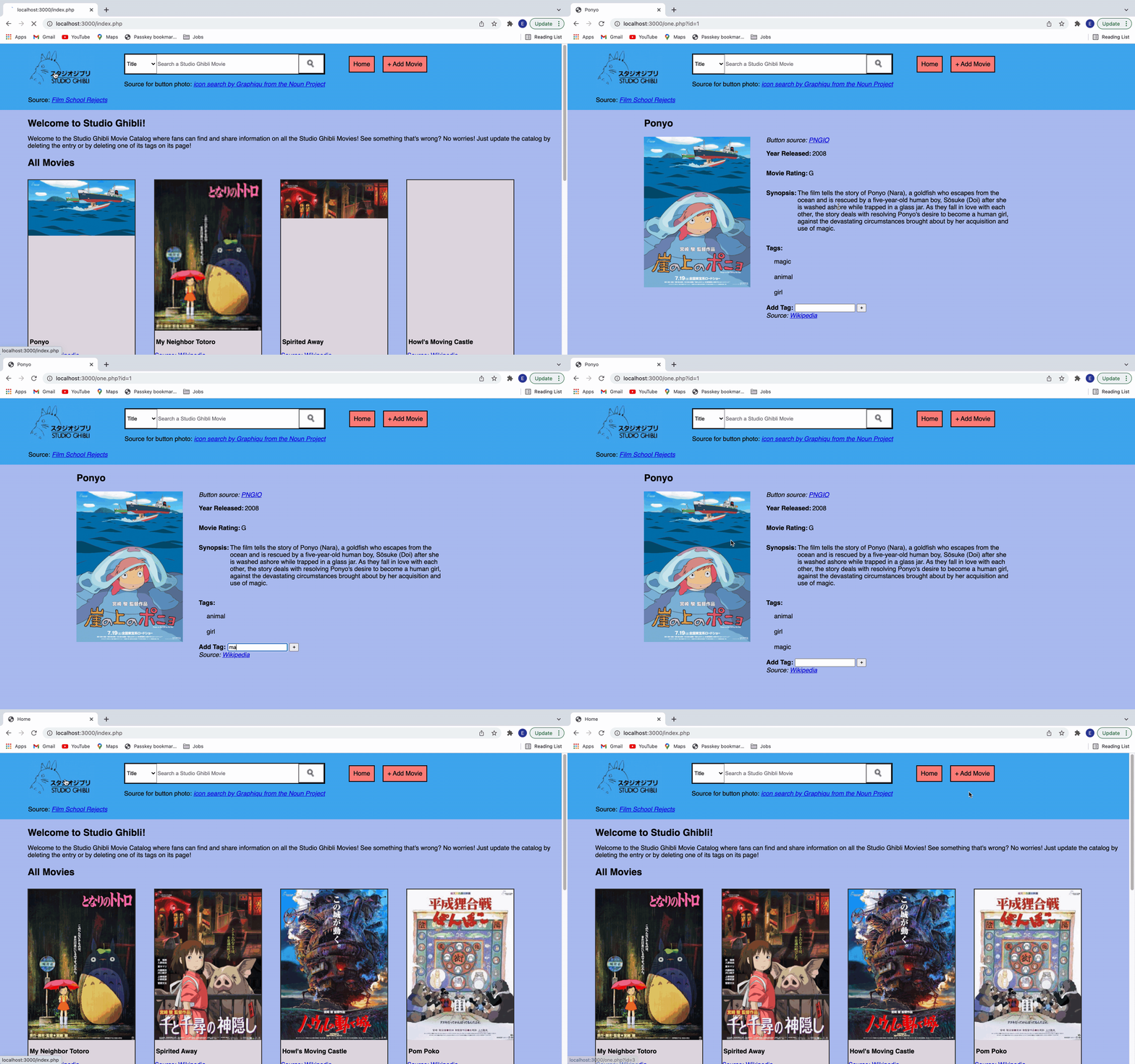
Deleting and adding tags, deleting movie entry
Reflection
There definitely could be some improvements to the aesthetics and usability of this website. Some major changes that I would make are:
- Create an edit button for each movie and give the user the opportunity to delete the movie on the editing page and modify/delete tags. Having the delete button show up while hovering over the title of the movie or the tags is confusing. I think at the time my thinking was that it is common for users to be able to hover over specific images and more actions would be available.
- Display the tags differently. For instance, on YouTube, underneath the search bar there is a list of keywords that the user can click on and it will display results for that tag.
- Improve the search functionality. If I could do this over, I would allow the user to be able to search movies without having to type in the whole title; rather if they type a word that matches a word in the movie title, the movie would still show up in the search results.
- Conduct user testing to see what users might think of these changes and the overall usability and aesthetics of my website.
All in all, this project was a good way for me to practice my front-end web development and design skills.